
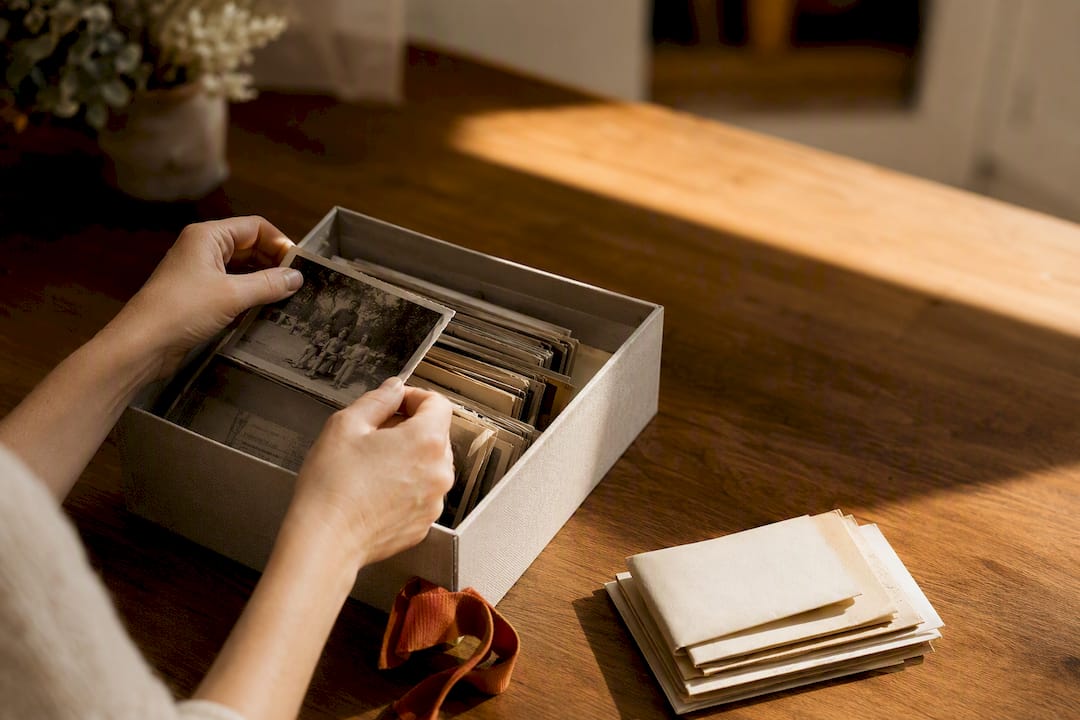
A tidy box is not a family archive. If the photo sits in one folder, the letter in another drawer, and the voice in a memo that matches no question, the story is gone. Start with a rough list, stay with one system, and write on each piece who is in it, when it was made, where, why, and where it came from. The photo, the letter, and the original voice belong together.
What a family archive really is
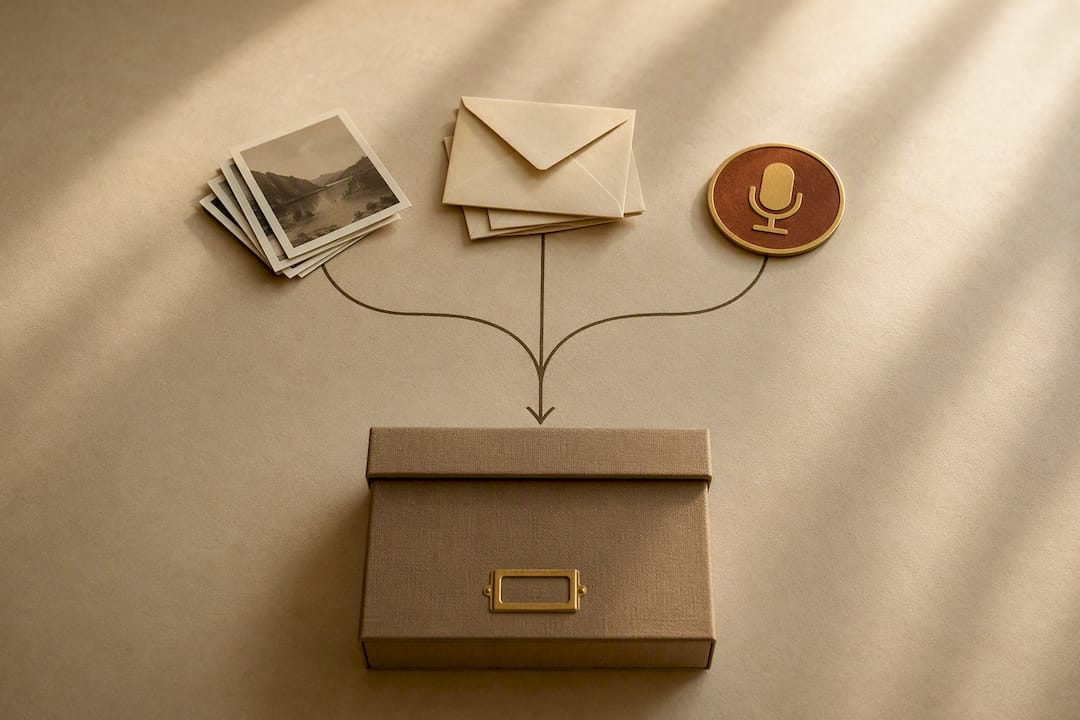
Folders of pictures by year are a photo library. A family archive holds what otherwise splits apart: the picture, the scrap of paper beside it, and the voice that says why the picture matters.
Think of Grandma's recipe card. It says cinnamon. Next to it is a photo of the kitchen. In a recording she explains why the cinnamon goes in. If those three live in three systems, nobody in ten years will know they belong together.
You do not need a museum or specialist software. You need a rule that someone who did not build the archive can still follow.
Write it down first, then move things
Open three cartons at once and you get a new mess. A rough inventory is enough: albums, loose photos, letters, tapes, flash drives, and cloud folders. Do not move anything yet. Do not throw anything away yet.
Then take one box or one album, not the whole basement.
Whatever is already fragile comes first: newspaper clippings, tape, thin paper. Sturdy prints can wait.
A system an uncle can follow
Choose one way of sorting and stay with it.
By person, then the year: Grandmother Erna/1985/.
Or by year, then the person.
Mix both and you will find nothing. Some files sit under weddings, some under 1985, some under Grandma. That is why family archives become unreadable after two years.
How to find a photo in folders is in how to organize family photos. This page is not about duplicates. It is about giving the letter and the voice the same home as the picture.
A file name a person can read beats a camera code. 1978-06-12_Berger_wedding.jpg still means something later. IMG_4827.jpg does not.
Five notes, nothing more
For each important piece you need five notes, not a huge table.
- Who is in it, or who is speaking?
- When, even if that is only the decade? Write "probably 1970s" when you do not know.
- Where was this?
- Occasion: why does this piece exist?
- Source: who has the original?
A simple table is enough. Uncertain names stay uncertain. Two memories may sit side by side.
For recordings, the original file is the memory. A few keywords beside it help you find a spot later. The text does not replace the voice. How to keep the file itself is in how to interview parents.
Keep photo, letter, and voice together
This is the step most how-tos skip. They explain folders. They explain scanners. They explain three copies. They let the story vanish between the files.
Bring the three together while someone can still tell the story. One afternoon with ten photos and a voice goes further than a thousand unlabeled files.
If you will look through them together, send one to three questions ahead. An object on the table often opens more than the next number on a list. How that kitchen conversation works is in questions to ask grandparents.
Rituals that bring the names back
Formal interviews make many people stiff. Small occasions bring names without turning the visit into a test. A familiar cup, a song, or an album on the table is often enough.
A cooking afternoon with the family recipe does the same. Hands are busy. The story arrives beside the work. Rituals like that last longer than one big interview.
Start with one story, not with a plan to capture everything.
Originals stay. Copies travel.
A digital copy spares the paper. It does not replace the original. Backs of photos, stamps, and the order in an album are part of the story.
Do not park the boxes in the basement or the attic. Damp and big swings of heat and cold ruin paper and photos. A dry living space is better. San Francisco library archivists say start with an overview and small goals, not a museum in a week.
For the files, use 3-2-1: three copies, two kinds of storage, one copy off site. How to test that you can actually get the files back is in the 3-2-1 family photo backup. The same logic covers letters and sound.
Illness stories, fights, and private letters do not belong in an open cloud. In the family, agree who may see what. FamilyStories cannot read or hear the contents. What that means is in end-to-end encryption for family archives.
What FamilyStories changes in this archive
Folders and tables hold files. They do not keep which question belongs to the voice, or which photo belongs to the card.
FamilyStories keeps the question, the original voice, the text, and the photo in one private place. The voice comes first. The text is only a map for finding a place later. The conversion to text happens on the family's devices, not at a stranger's service.
A private guest link is a key. Whoever has it can read and edit the questions you opened for them. It is for answering, not as an address to pass around.
FamilyStories is for iPhone and iPad. Another phone is enough to record. The guided questions and the encrypted collection live in the app.
Up to ten people can collect the family's shared memories in a private circle. Everyone can contribute: a name, a photo, a voice. The circle is for collecting, not a helper role.
With a paid plan you can take the stories out as Word or PDF. The app does not turn them into a printed book.
That does not replace the box on the table. It only keeps the recipe card, the kitchen photo, and the voice from disappearing into three systems.
Frequently asked questions
Start with a rough list of where albums, letters, tapes, and digital folders live. Then take one box, not the whole basement. Write the five notes while someone still knows the names.
By person or by year, not both. Photo, letter, and voice get the same place. Uncertain dates stay marked as uncertain.
Yes, as soon as files exist. Testing whether copies actually come back belongs in the 3-2-1 backup guide. Here the first job is keeping the story attached to the files.
Yes. Through a private guest link in the browser, with no account. The full link is a key for the opened questions. Give it only to the person who should contribute.
A short appointment every few months is enough so a pile does not grow again. One new story counts more than a perfect basement.
Keep your family's stories, in their own voices
FamilyStories is the iPhone and iPad app where your family collects life stories: with personal questions, real voices and photos, kept private, and in the end a printed book.
- Personal questions by chapter of life
- Spoken words become text automatically
- The original voice is always kept
- Photos right next to their story
- A family circle for up to 10 people
- Answer without the app, by link
- Weekly reminders to keep telling
- Music and nature sounds as you talk
- A family tree for the whole family
- Save it as a PDF or a Word file
- A printed book, shipped worldwide
- Private and end-to-end encrypted
- Download the app
Get FamilyStories from the App Store on your iPhone or iPad.
- Pick the questions
Tell the app a little about the person, and it picks fitting questions.
- Invite your family
Send your family a link. They answer in the app or in their browser.