


Speech to text privacy means you know where your mother's voice becomes words. Not which privacy policy a company posts. The decisive step is the conversion itself. If it runs on the family phone, the recording stays in the family. If it runs in the cloud, the voice leaves the device, often together with the story just told.
What speech to text does with a family voice
A recording is more than words. It carries dialect, pause, and laughter. Speech to text breaks that file into writing so you can find a passage later, say the Sunday kitchen from minute eight.
That is the difference from a note. The text helps you search. The file holds the person. If you keep only the text, you often end up with sentences and no voice a grandchild would still recognize.
Imagine your mother describing how her grandmother's kitchen smelled on Sundays. If that sentence is converted in the cloud, the service sees the voice and the story. If conversion stays on the device, the text is born where the conversation happened.
Cloud or device: the difference that counts
With a cloud service, the audio travels to a server. The vendor converts it there and sends the text back. Microsoft describes realtime conversion as audio processed in Azure server memory. For batch jobs, transcripts can sit in the customer's storage or, if none is given, in Microsoft storage until a deletion period applies.
That is not a verdict on the vendor. It is the mechanism: for a moment, or longer, the voice exists outside the family phone.
On the device, recognition runs locally, through the phone's speech recognition or a downloaded model. Apple lets apps require recognition that does not send audio over the network. The same documentation says on-device recognition is often less accurate. That is the trade: the voice stays, and names and dialect often need a later correction.
| Question | Cloud service | On the device |
|---|---|---|
| Where does the text appear? | On someone else's servers | On the family phone |
| Does a vendor hear the voice? | Yes, at least during conversion | No, if nothing is uploaded |
| Original file | May sit in someone else's storage | You keep the file |
| Training | Some services use the content | No path to the vendor |
An app that says private but uploads the recording first is still a cloud service with a friendly word. Architecture counts, not the promise in the listing.
Three questions before you let an app transcribe
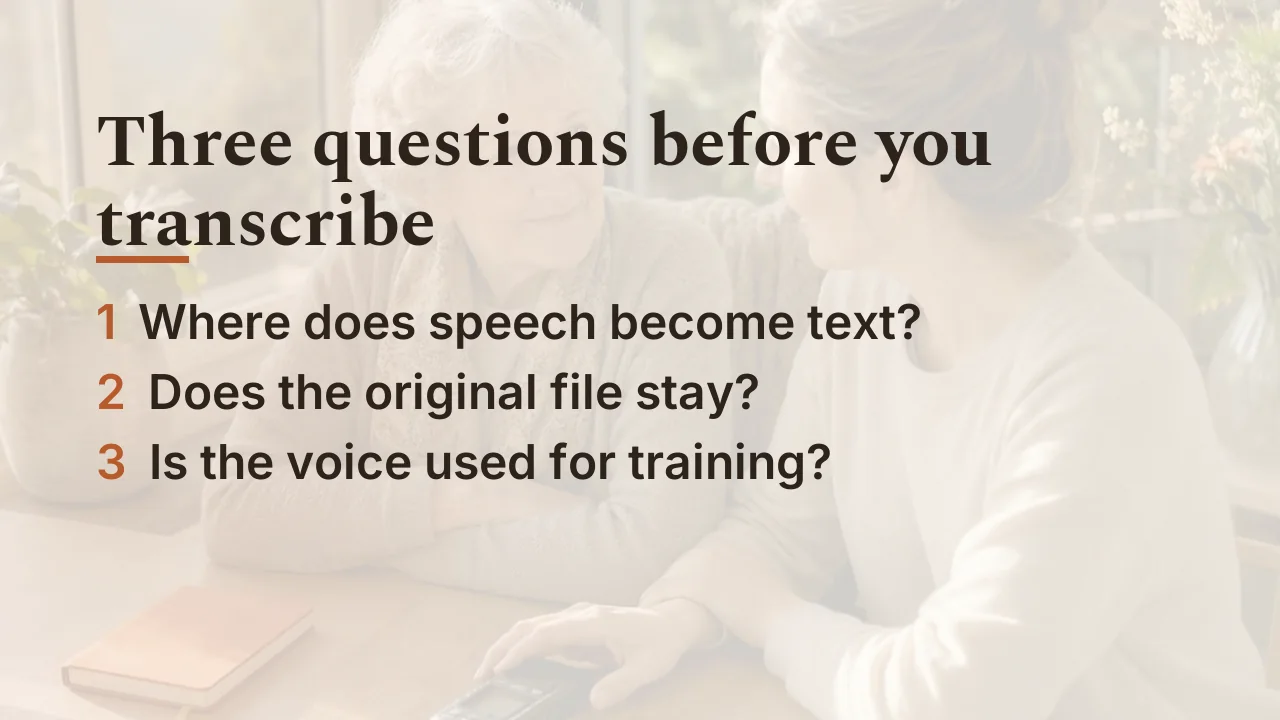
Before you turn a family voice into text, three questions are enough. They make visible what happens to the file, not what a statute requires.
- Where does speech become text? On this device, or on a server?
- Does the original file stay with you, or does the vendor also keep a copy?
- Is the voice or the text used for training?
If the first answer stays vague, treat the service as a cloud. A toggle named private does not change that while the audio leaves the phone.
For a family, that check is enough. You do not need a contract stack to decide whether your mother's Sunday kitchen should land on someone else's computer.
What remains if you keep only the text
A transcript is useful the moment you search. It is not a stand-in for the voice. Names, places, and dialect often need your own pass. That makes the text easier to search. The person stays in the original file.
If you interview your parents, the recording belongs at the start, not the transcript. That workflow lives in how to interview parents. This page only explains what conversion does to the voice.
End-to-end encryption is a second layer. It protects content on the way between devices. It does not say where speech becomes text. Seeing that a transfer is encrypted in transit still does not tell you whether recognition runs in the cloud. That explanation is in end-to-end encryption.
One boundary remains: sharing a private link still grants access. Conversion on the device does not change that the link belongs only to people you trust.
How FamilyStories turns speech into text
FamilyStories keeps the question, the original voice, the transcript, and the photos in one private place. Speech becomes text only on family devices, through the device's speech recognition or a locally downloaded model. There is no speech recognition through an online service. Neither the recording nor the transcript ever reaches a speech recognition service outside those devices.
The recording is encrypted on your device and synced end-to-end encrypted, like every other family file. The vendor cannot listen to the voice. FamilyStories shows no ads, does not sell data, and does not use family content to train artificial intelligence.
Up to ten people share a private family circle. Someone who does not want the app can speak through a private guest link in the browser, without an account. With a paid plan you export stories as Word or PDF files and can also download photos and original voices.
The text stays the search tool. The voice stays the memory.
Frequently asked questions
No. Text can appear on the device, through the phone's speech recognition or a locally loaded model. A cloud is only needed if the app sends the audio there on purpose.
No. The transcript helps you find a passage. The original file holds dialect, pause, and laughter. Keep both, and do not treat the text as a replacement.
Conversion happens on family devices. Neither the recording nor the transcript goes to a speech recognition service outside those devices.
No. Encryption on the way does not say where the text is made. If the app uploads audio for recognition, that service sees the voice even when the rest is stored encrypted.
You can invite someone through a private guest link in the browser. The link opens only the shared questions. Share it only with people you trust.
Keep your family's stories, in their own voices
FamilyStories is the iPhone and iPad app where your family collects life stories: with personal questions, real voices and photos, kept private, and in the end a printed book.
- Personal questions by chapter of life
- Spoken words become text automatically
- The original voice is always kept
- Photos right next to their story
- A family circle for up to 10 people
- Answer without the app, by link
- Weekly reminders to keep telling
- Music and nature sounds as you talk
- A family tree for the whole family
- Save it as a PDF or a Word file
- A printed book, shipped worldwide
- Private and end-to-end encrypted
- Download the app
Get FamilyStories from the App Store on your iPhone or iPad.
- Pick the questions
Tell the app a little about the person, and it picks fitting questions.
- Invite your family
Send your family a link. They answer in the app or in their browser.