

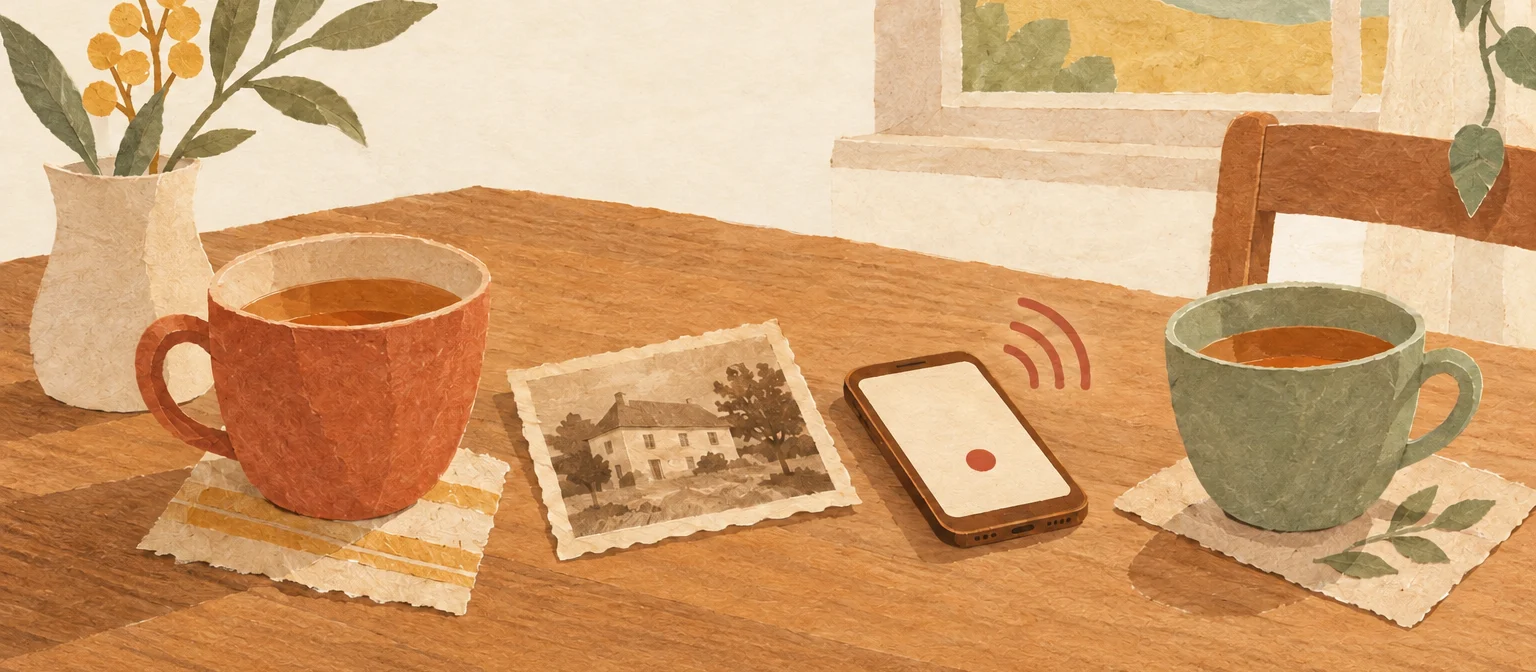
Most families mean to do this for years and never start, because a whole life story sounds like a huge project. It isn't. A life story is made of many small conversations, and you can have the first one this week.
What are your options? Five ways compared
There are five common ways to record your parents' life story. They differ mainly in how much work they take and what you end up with.
| Way | How it works | What you end up with | Good fit if |
|---|---|---|---|
| A fill-in memory journal | Your mom or dad writes answers into a book of printed prompts. | A book in their handwriting, without their voice. | they enjoy writing and have plenty of patience. |
| Voice memos on your phone | You ask questions and record them with the voice memo app. | Lots of separate files, with no order and no text. | you want to start right now with no setup. |
| One long video interview | A conversation in front of a camera, usually in a single day. | A long video that rarely gets watched from start to finish. | someone in the family likes to film and edit. |
| A memoir writing service | A professional interviews them and writes a book. | A finished book that costs far more than the other ways. | you want to hand off all of the work. |
| A life story app like FamilyStories | Guided questions, answers by voice or text, everything in one place. | Voice, text and photos, organized by chapters of life, as a PDF or a printed book. | you want to go step by step, together with your family. |
None of these is wrong. What matters is that you start, and that the recordings don't end up scattered across an old phone. The steps below work with any of these ways. Where FamilyStories takes work off your hands, it says so.
Before you start: ask if it's okay
Tell your parents what you have in mind, why, and who will hear the recordings. They will talk more freely, and nobody feels caught off guard.
You could ask like this:
"I'd love to record some of your stories so the grandkids can hear them one day. Just for us, the family. We'll start with your childhood, and if there's anything you'd rather not talk about, we'll leave it out."
Three things make the difference:
- Why: for the family, not for an audience.
- Who hears it: only the people you choose together.
- Who decides: your parents can say no at any time, skip a question, or have something deleted later.
FamilyStories is set up this way from the start. Stories are end-to-end encrypted, there are no ads and no public profiles, and only the people you invite can read them.
A warm-up tip: How well do you really know your parents? The free family quiz asks you twelve questions about your mom, dad, grandma or grandpa in about a minute. Whatever you couldn't answer becomes your first question in the conversation.
Your first conversation: a 30-minute plan
To begin, one conversation of 20 to 30 minutes about a single chapter of their life is enough. Childhood works best, because almost everyone enjoys talking about it.
- Pick a quiet moment at the kitchen table or on the couch, with the TV off.
- Have two or three old photos ready. A photo in their hands brings back more than any question.
- Choose six to eight questions about that one chapter.
- Make a ten-second test recording and listen back.
- Ask one question, then listen. Let silences sit; the best part often comes right after a pause.
- Ask a follow-up instead of jumping to the next question.
- Stop while it still feels good, and set the next date right away.
These six questions work well for a first conversation about childhood:
- What did the house or apartment you grew up in look like?
- What was an ordinary Sunday like in your family?
- Who did you love to play with, and what did you play?
- What did your family eat when there was something to celebrate?
- What were you afraid of as a child, and who comforted you?
- What prank did you never tell anyone about?
You'll find questions for every other chapter in our list of questions to ask your parents about their life. For your dad there is a separate set of 50 questions to ask your dad. The same steps work when you record your grandparents' stories; for a conversation with grandma or grandpa, see questions to ask grandparents.
With FamilyStories you don't have to put the questions together yourself. After a short questionnaire about your parents, the app picks questions that fit them, organized by chapters of their life, and every question comes with gentle prompts in case a memory needs a nudge.
Good questions, good follow-ups
A good question asks about one specific moment, not for a summary. "What was your childhood like?" usually gets a "nice." "What was an ordinary Sunday like in your family?" gets a story.
| Instead of | Try |
|---|---|
| What was your childhood like? | What was an ordinary Sunday like in your family? |
| What did you do for work? | What was your very first day at work like? |
| How did you two meet? | What did you think the first time you saw Dad? |
| What matters to you in life? | What saying of your mother's do you still use yourself? |
The best stories often come with the follow-up. These lines almost always help:
- "And then what happened?"
- "Who else was there?"
- "How did that feel?"
- "Do you remember what it smelled like there?"
- "Tell me more about him."
For a longer conversation, our guide on how to interview your parents goes into more detail.
Recording: your phone is enough
You don't need a microphone to record your parents, just a phone and a quiet room. Four things matter:
- Distance: Lay the phone flat on a folded towel between you, about an arm's length away. The towel softens the clatter of cups and spoons.
- Quiet: Put the phone on silent so no call interrupts the recording.
- Background noise: Listen for the sounds you no longer notice, like the fridge, a ticking clock or an open window.
- Short pieces: Record many short answers rather than one long conversation. One answer per question is easy to find again later.
In FamilyStories you record each answer right under its question. The original voice is kept, and the app writes down what was said. That happens on the device itself; the recording is not sent to an outside service for it.
When it gets hard
Almost every family runs into one of these, and each has a gentle way through.
"I don't have anything to tell"
Many parents say this. It usually doesn't mean no; it means "I don't know what you'd find interesting." Start with one small, concrete question, or with an old photo. Some people find it easier to talk about their own parents than about themselves. And anyone who doesn't like talking can write instead.
When memories get patchy
When memory starts to fade, photos, familiar songs or an object from the past often help more than questions. Don't correct them; record what comes. A story that has changed over the years still belongs to your parents. A question is allowed to stay unanswered.
When it gets emotional
Some memories hurt. Take a break, ask whether they want to go on, and never push. Not every story has to be recorded.
When you live far apart
Your parents can answer without you in the room. With FamilyStories they answer on their own phone, in the app, or without the app through an invitation link in their browser, with no sign-up. A reminder by notification or email keeps the story from stalling, and you see every new answer as soon as it arrives.
After the conversation: organize, back up, keep going
What happens after the conversation decides whether the recordings will still be there in ten years.
- Name it: Give every recording a name with the person, the topic and the date, for example "Mom, childhood, Oct 14 2026."
- Organize it: Keep everything in one place, sorted by chapters of life rather than by date.
- Back it up: Keep a second copy somewhere else. Our guide to exporting and backing up voice memos privately shows how, with no tech skills needed.
- Keep going: Plan the next conversation, for example one chapter a week.
- Bring others in: Invite your siblings. Everyone asks about what they want to know.
FamilyStories does this organizing for you. Every answer sits under its question, every question in its chapter, and photos belong right with the story they go with. Up to ten people in your family collect memories together, and everyone can add their own.
What it becomes: a PDF, a Word file, or a printed book with their voice
Your conversations become something you can hold: a PDF to share, a Word file to keep writing, or a printed life story book for your parents where you can hear their voice.
- As a PDF: the whole story with photos, in a style you choose, to send or print yourself.
- As a Word file: if you want to keep writing or design it yourself. You can also combine several life stories into one book with our family history book template.
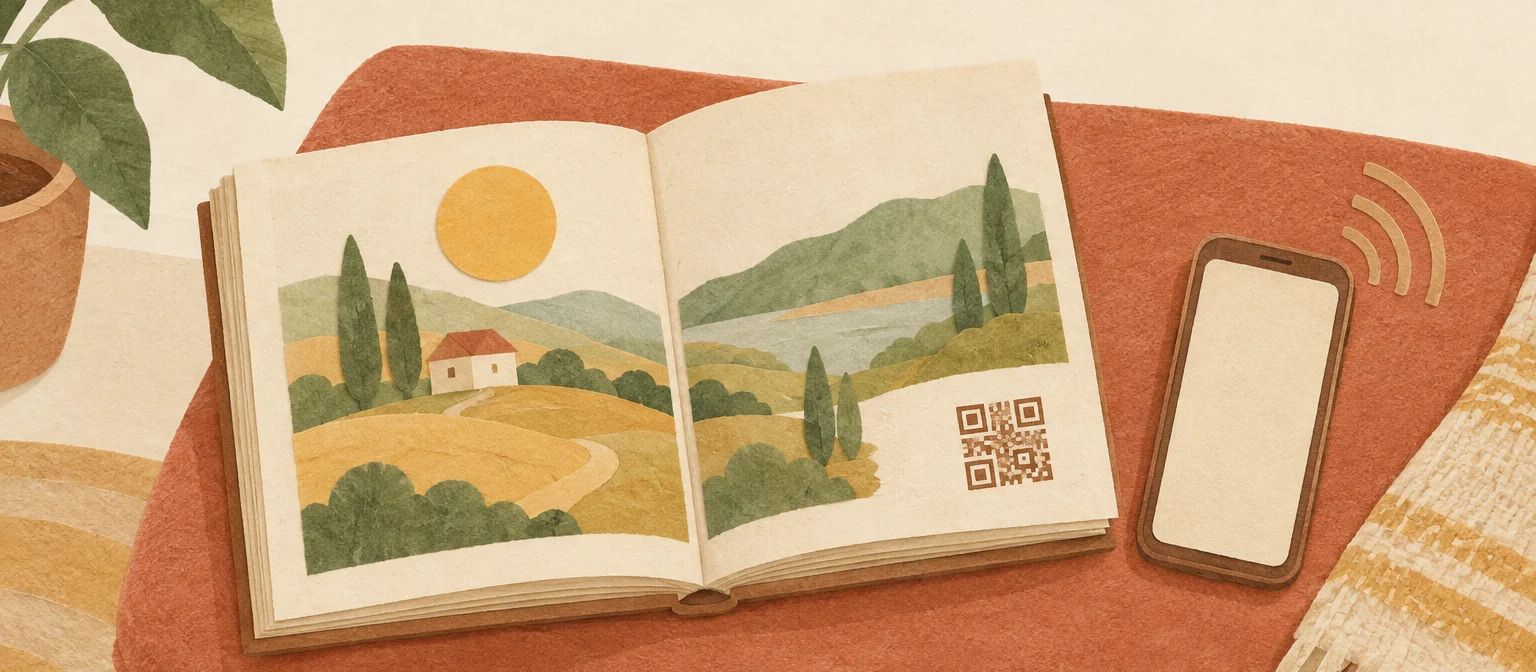
- As a printed book: In FamilyStories you order the story as a large hardcover book, shipped to more than 70 countries worldwide. Next to the answers are codes; scan one with a phone and you hear the voice that told that story.
- Photos and recordings: you can save them as files at any time. To keep prints and digital copies safe for years, see the best way to store old photos long term.
A book like this makes a lovely gift for a milestone birthday or the holidays, for your parents and for the grandkids. For format and printing, see how to print a family history book, and to learn how paper and voice come together, read QR codes in a family book.
Frequently asked questions
The best way is a series of short conversations, one chapter of their life at a time, recorded on your phone and kept in one place. A guided life story app like FamilyStories adds the questions, turns the voice into text and keeps everything organized, so you can focus on listening.
A phone is enough. A quiet room, a towel under the phone and a short test recording make more difference than an expensive microphone.
Usually a few weeks to a few months, if you set aside half an hour once a week. Every chapter is valuable on its own. The story never has to be finished to be worth something.
Start with one small, concrete question or an old photo. Some people prefer to talk about their own parents rather than themselves, and some would rather write than speak. Both are fine.
Yes. FamilyStories asks guided questions that fit the person, organized by chapters of life, with gentle prompts. Your parents answer by voice or text on their own phone, or through an invitation link in their browser without signing up.
Yes. In FamilyStories you order the story as a printed hardcover book, shipped to more than 70 countries. Codes in the book play the original voice. You can also save the story as a PDF or a Word file.
In the app, only the people you invite. FamilyStories is end-to-end encrypted and shows no ads. A printed book is yours to give: whoever has the book can hear the voices through its codes.
Keep your family's stories, in their own voices
FamilyStories is the iPhone and iPad app where your family collects life stories: with personal questions, real voices and photos, kept private, and in the end a printed book.
- Personal questions by chapter of life
- Spoken words become text automatically
- The original voice is always kept
- Photos right next to their story
- A family circle for up to 10 people
- Answer without the app, by link
- Weekly reminders to keep telling
- Music and nature sounds as you talk
- A family tree for the whole family
- Save it as a PDF or a Word file
- A printed book, shipped worldwide
- Private and end-to-end encrypted
- Download the app
Get FamilyStories from the App Store on your iPhone or iPad.
- Pick the questions
Tell the app a little about the person, and it picks fitting questions.
- Invite your family
Send your family a link. They answer in the app or in their browser.